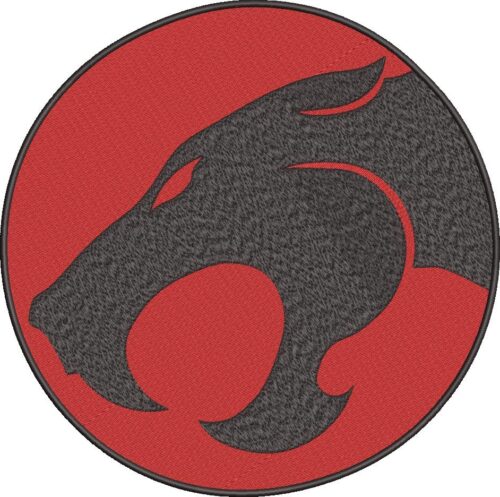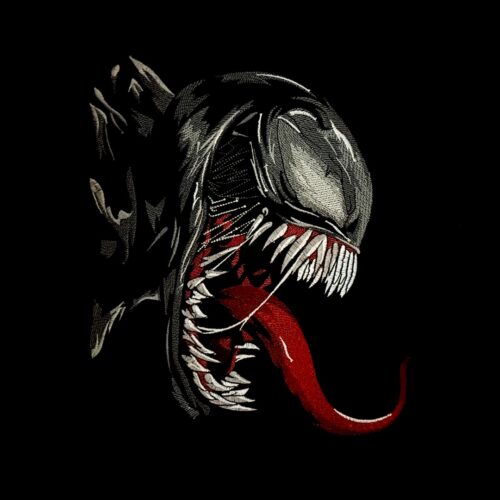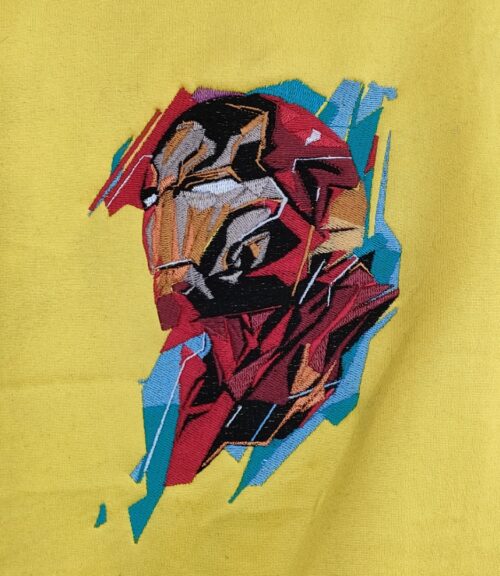
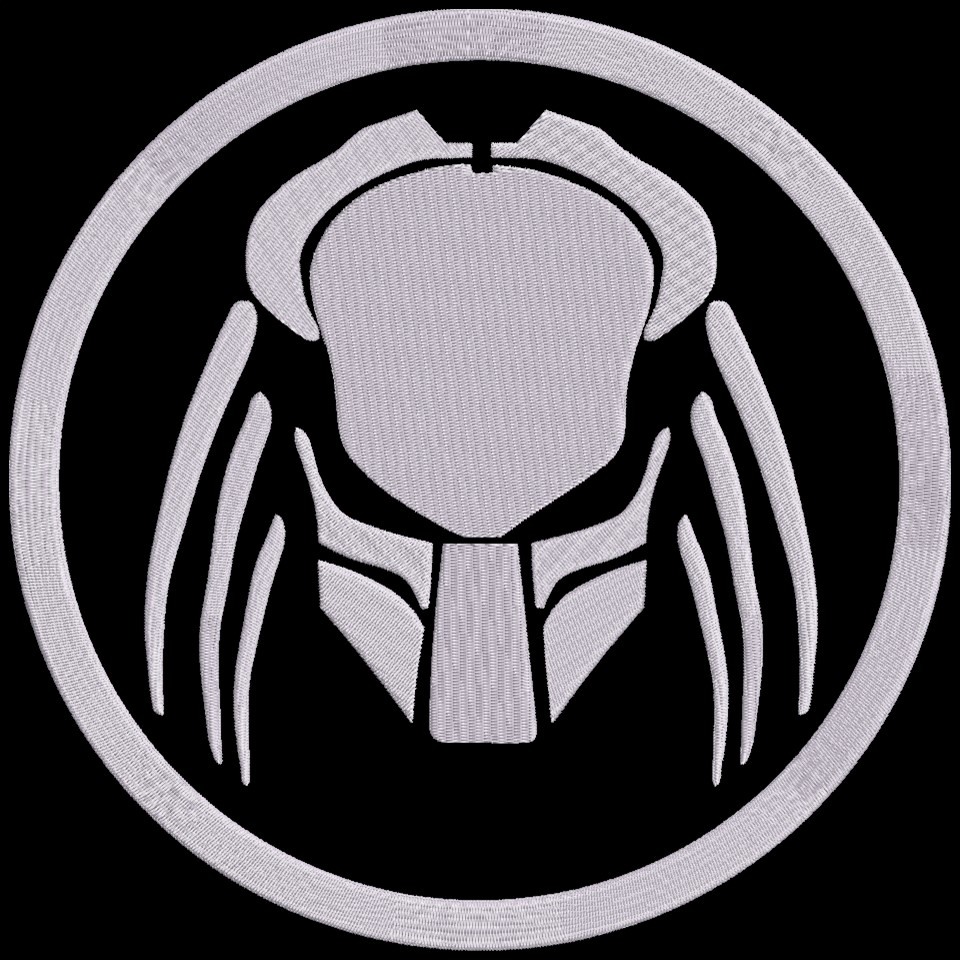
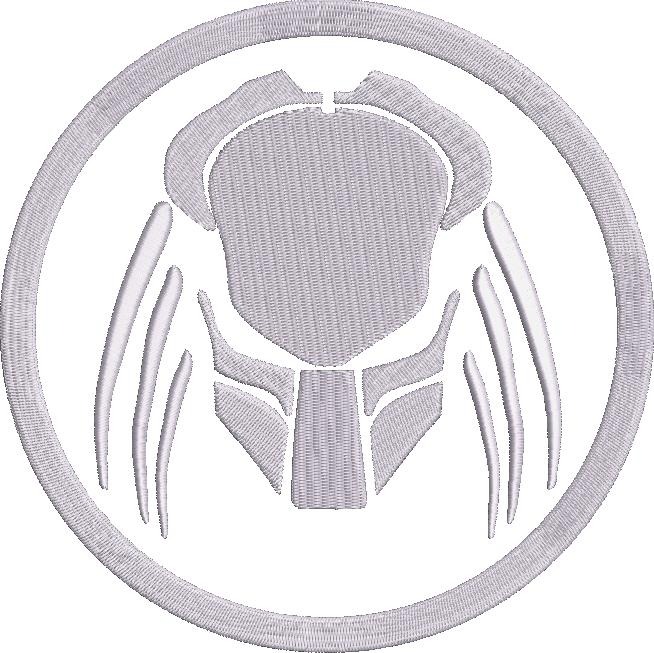
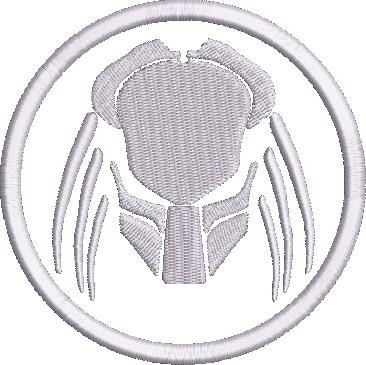
Fierce Predator Logo Embroidery Design
💡 Where it can be embroidered
- Back of a denim jacket or vest
- Charming gift bags
- On a canvas tote bag or backpack
- As a patch on sportswear or a gaming chair
At a Glance
Size & stitch count
| # | Size (in) | Size (mm) | Stitches | Trims |
|---|---|---|---|---|
| 1 | 3.8 × 3.8 | 97 × 97 | 7,973 | 14 |
| 2 | 4.8 × 4.8 | 122 × 122 | 16,088 | 15 |
| 3 | 6.8 × 6.8 | 173 × 173 | 24,938 | 15 |
| 4 | 9.8 × 9.8 | 249 × 249 | 50,691 | 15 |
Unique Colors
Own a different thread? Pick up to 3 brands and the chart will show their codes alongside Madeira Rayon.
Codes marked ≈ have no published equivalent and use the closest colour. Always test a sample before stitching.
Color Change chart
| # | Madeira Rayon | Color | Color Name |
|---|---|---|---|
| 1 | 1000 | Emerald Black |
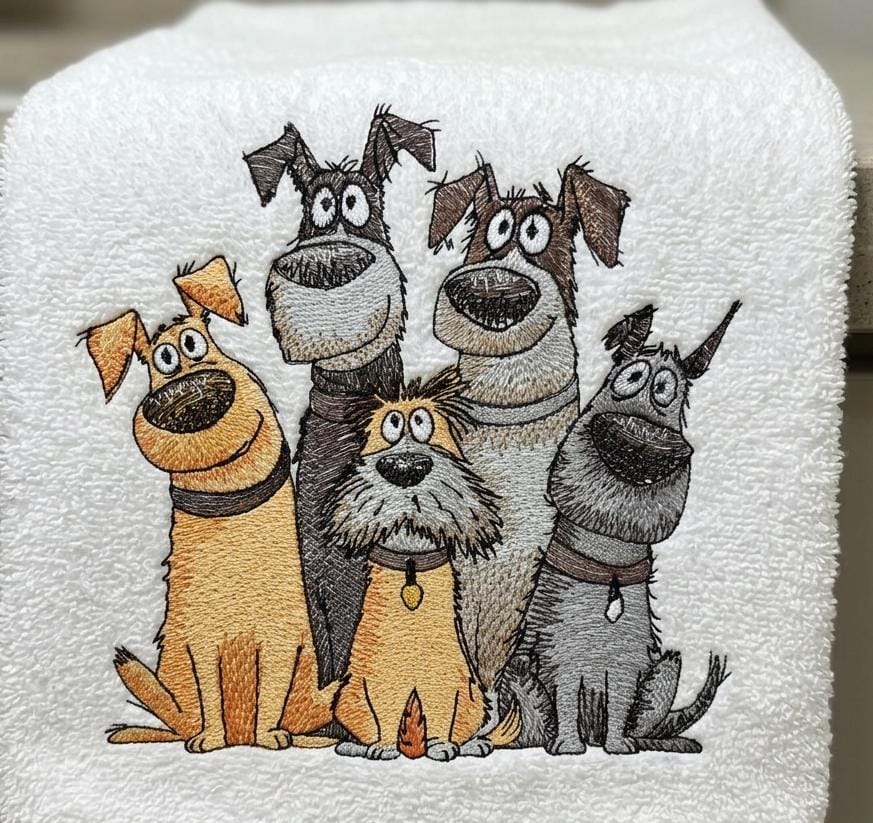
Tested this design on a towel and it turned out great. Love the design quality.
Goofy Dogs Squad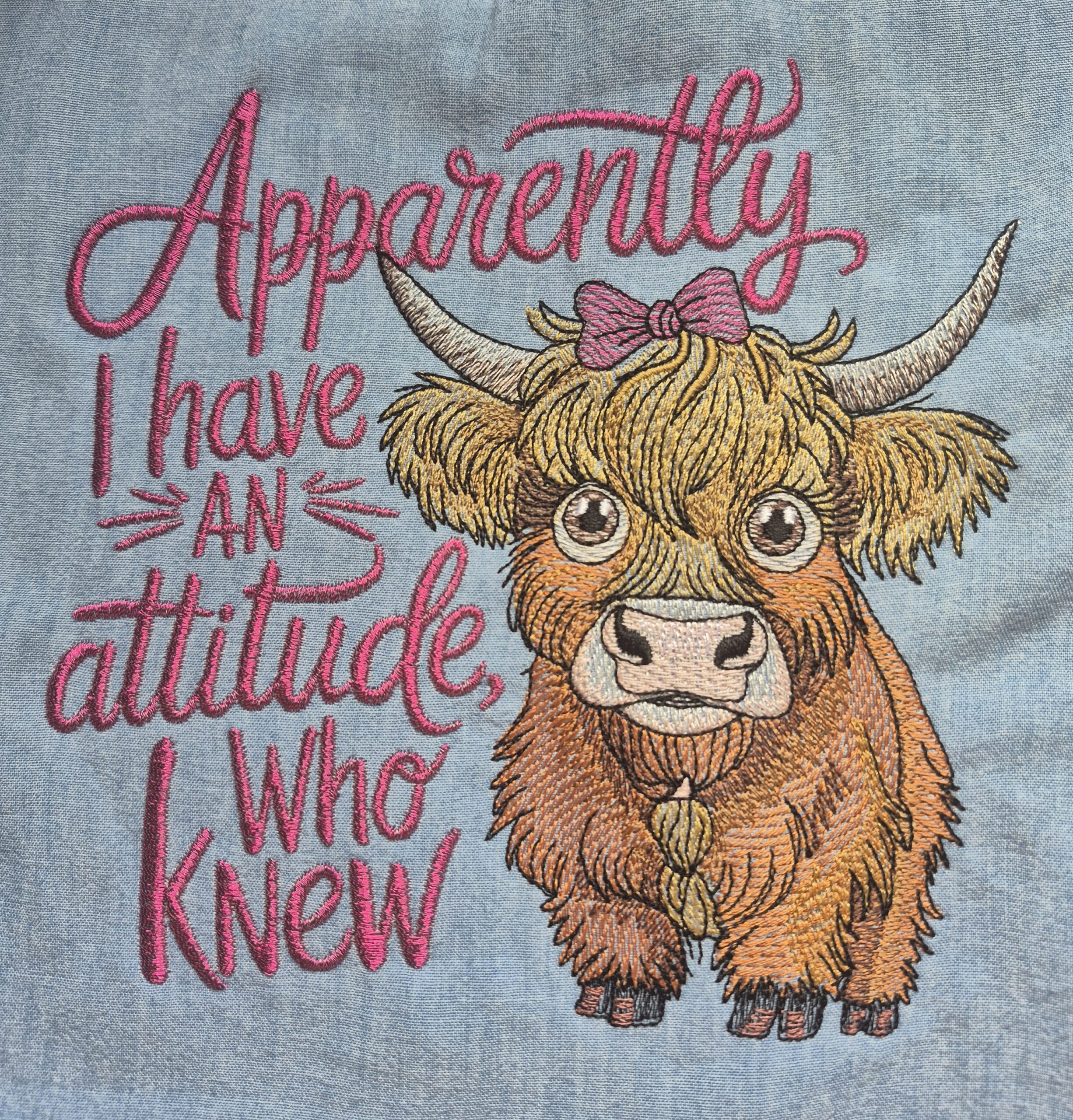
I love, love, love this design, its such a pleasure to sew it out. I changed the colour of the writing and matched the bow.
Attitude Highland Cow Funny Saying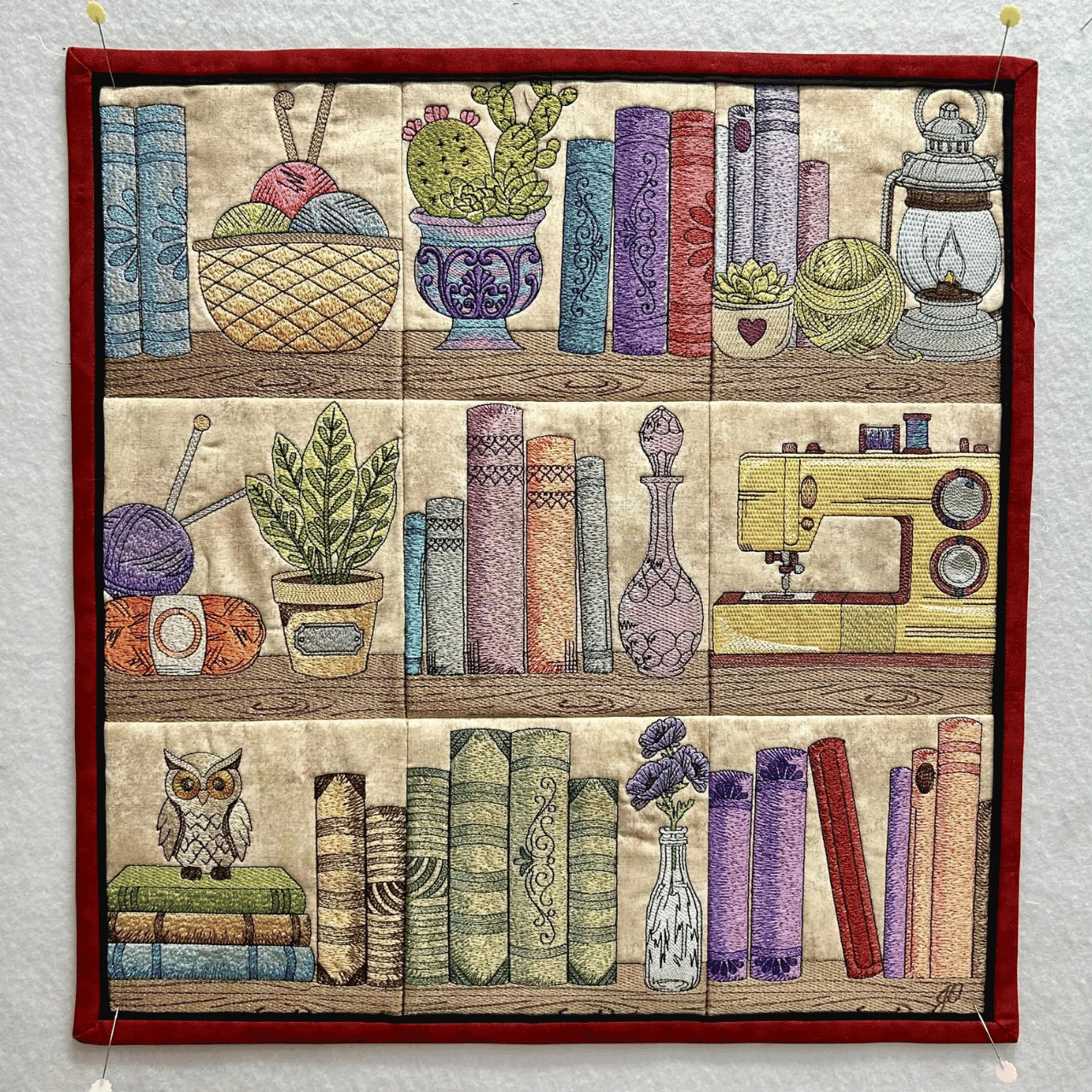
The Cozy Bookshelf Panel is amazing. Love the quality. Made few changes and it turned out great.
Cozy Bookshelf Panel Embroidery Design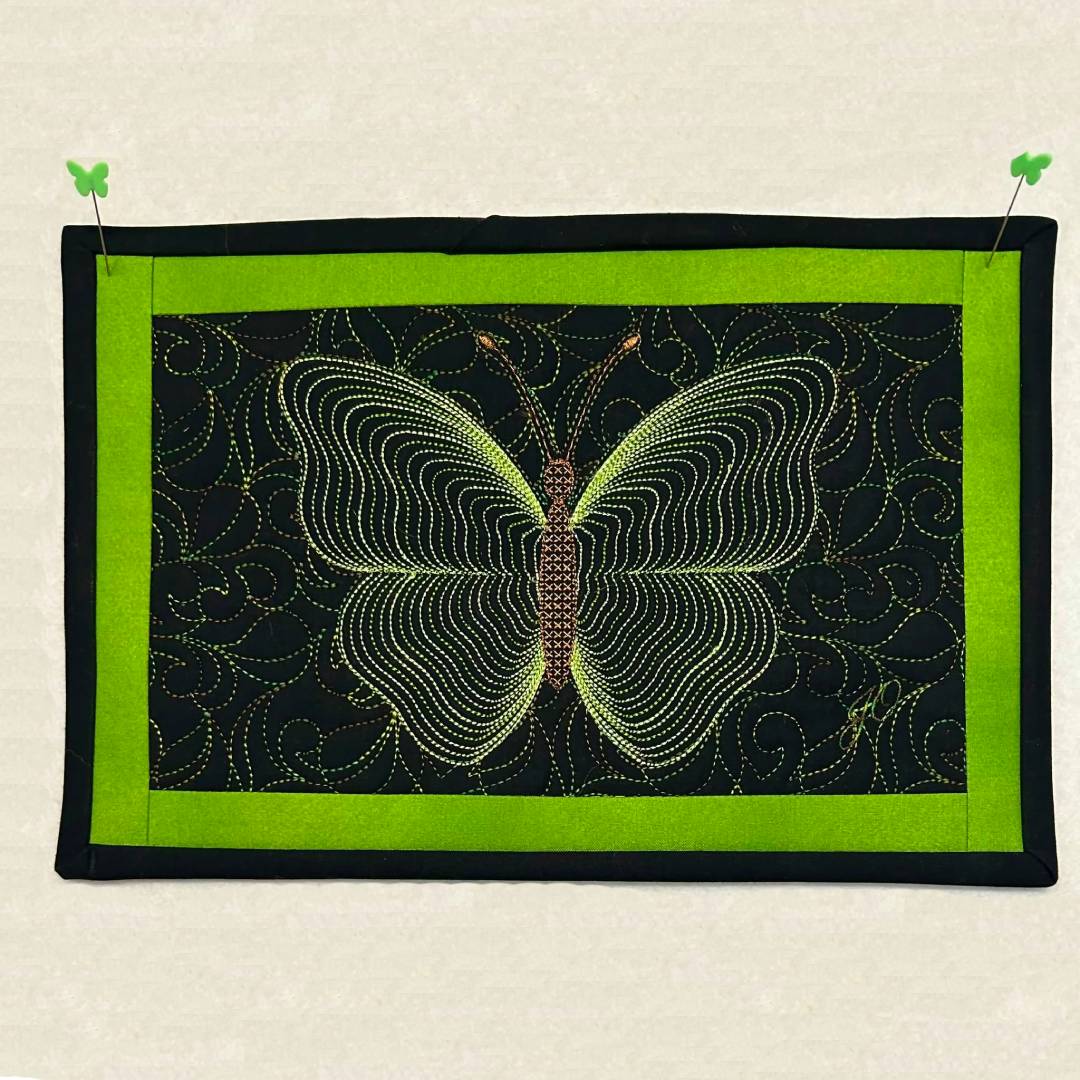
Love this beautiful design. Really enjoyed embroidering it.
Gold Teal Blending Butterfly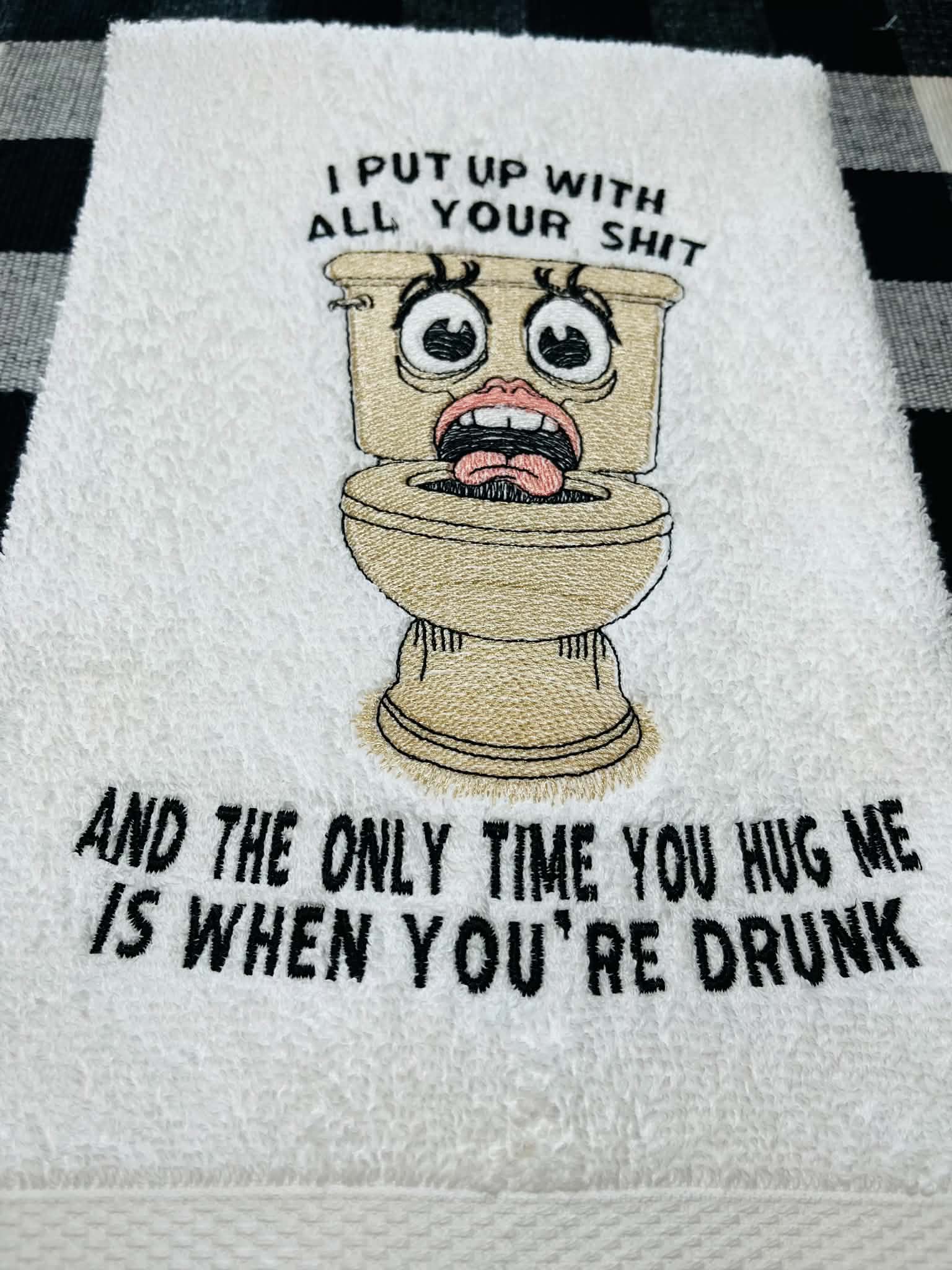
This is great for the guest bathroom. Easy, low stitch.
I Put Up With All Your Mess Quote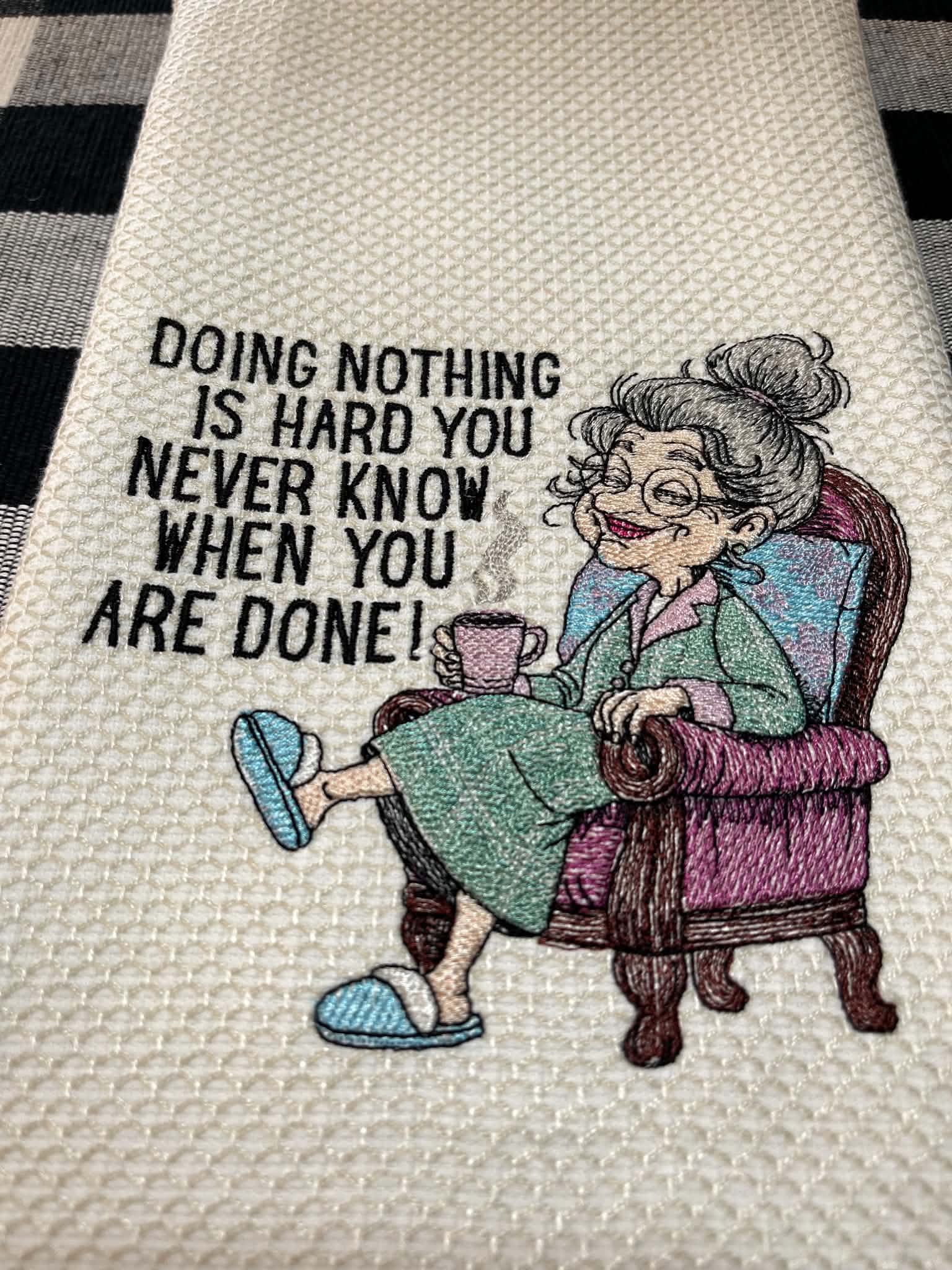
Love this design......not too many stitches which is what I look for.She is just fun and turned out great.
Cozy Grandma With CoffeeReally cute and comes out so nice. Making shirts for friends for Christmas.
Christmas Cats TreeDesign is really cute and embroiderys nice. Too many jump stitches but makes a nice Christmas shirt for friends.
Christmas Cats With Lights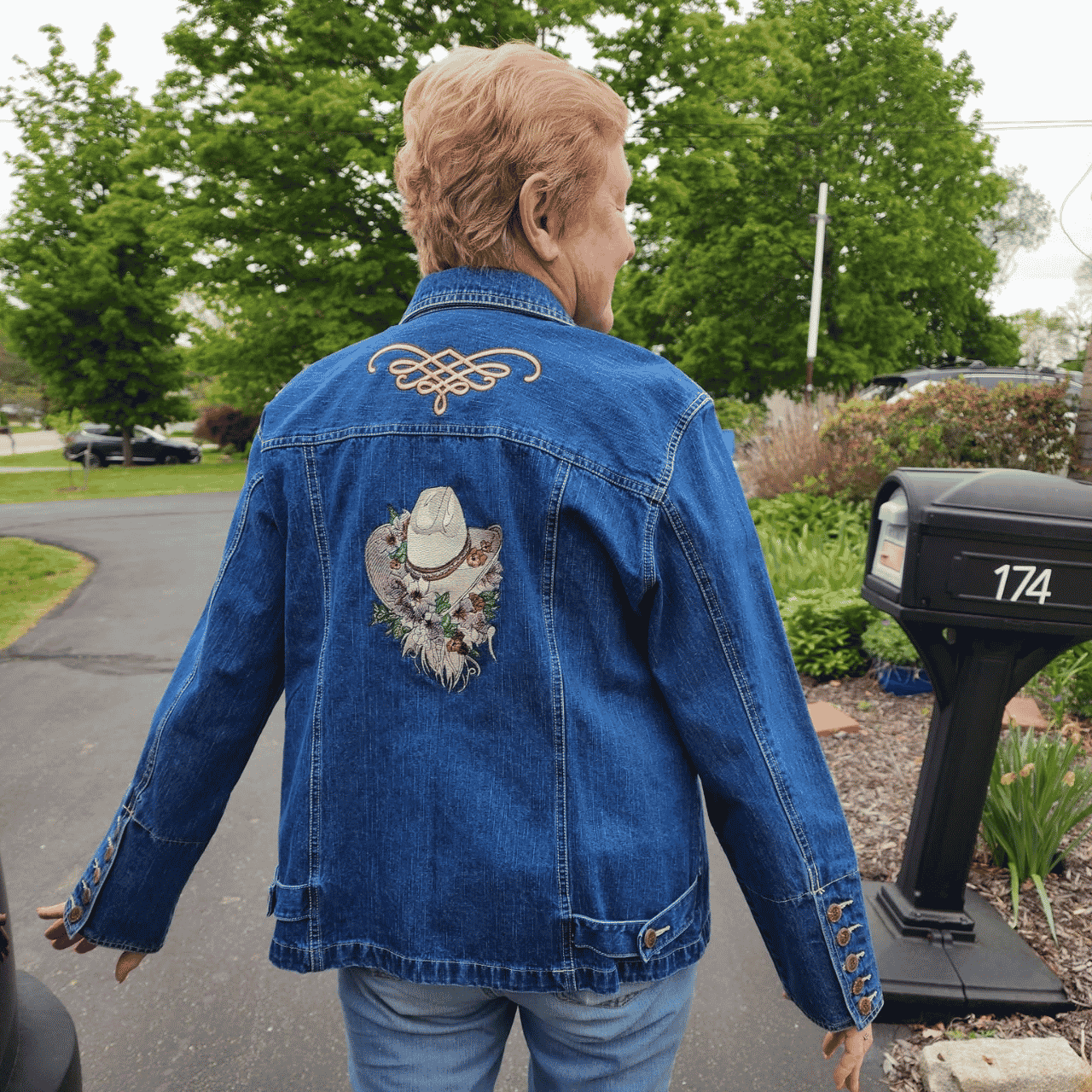
I absolutely loved the cowboy hat. I had a craft show coming up at a horse rescue farm. This looked like the perfect time to put it on…
Floral Cowboy Hat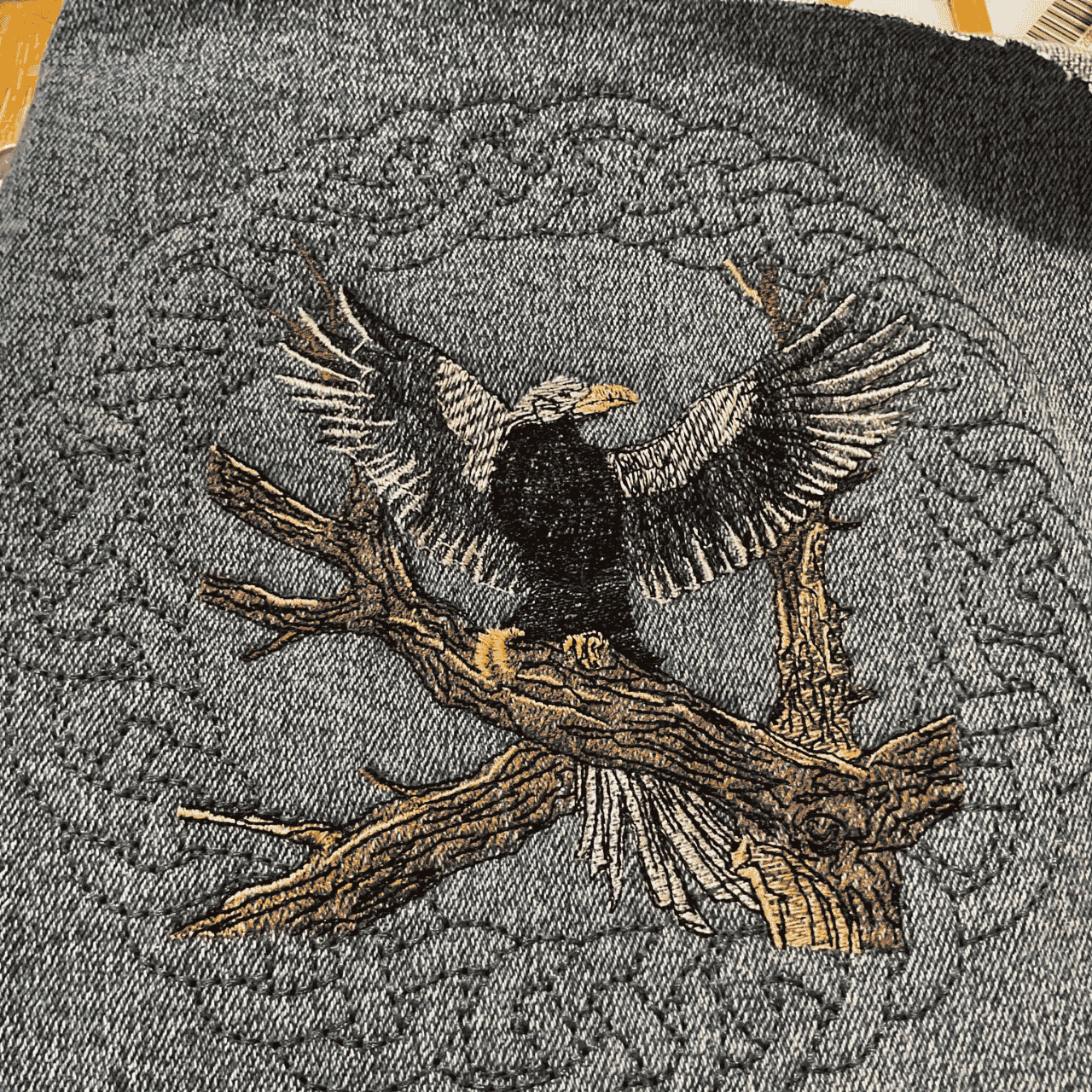
My eagle turned out great, next time I need to use a better background color. I thought it would pop out more on a denim jacket. Great quality…
Majestic Eagle With Open Wings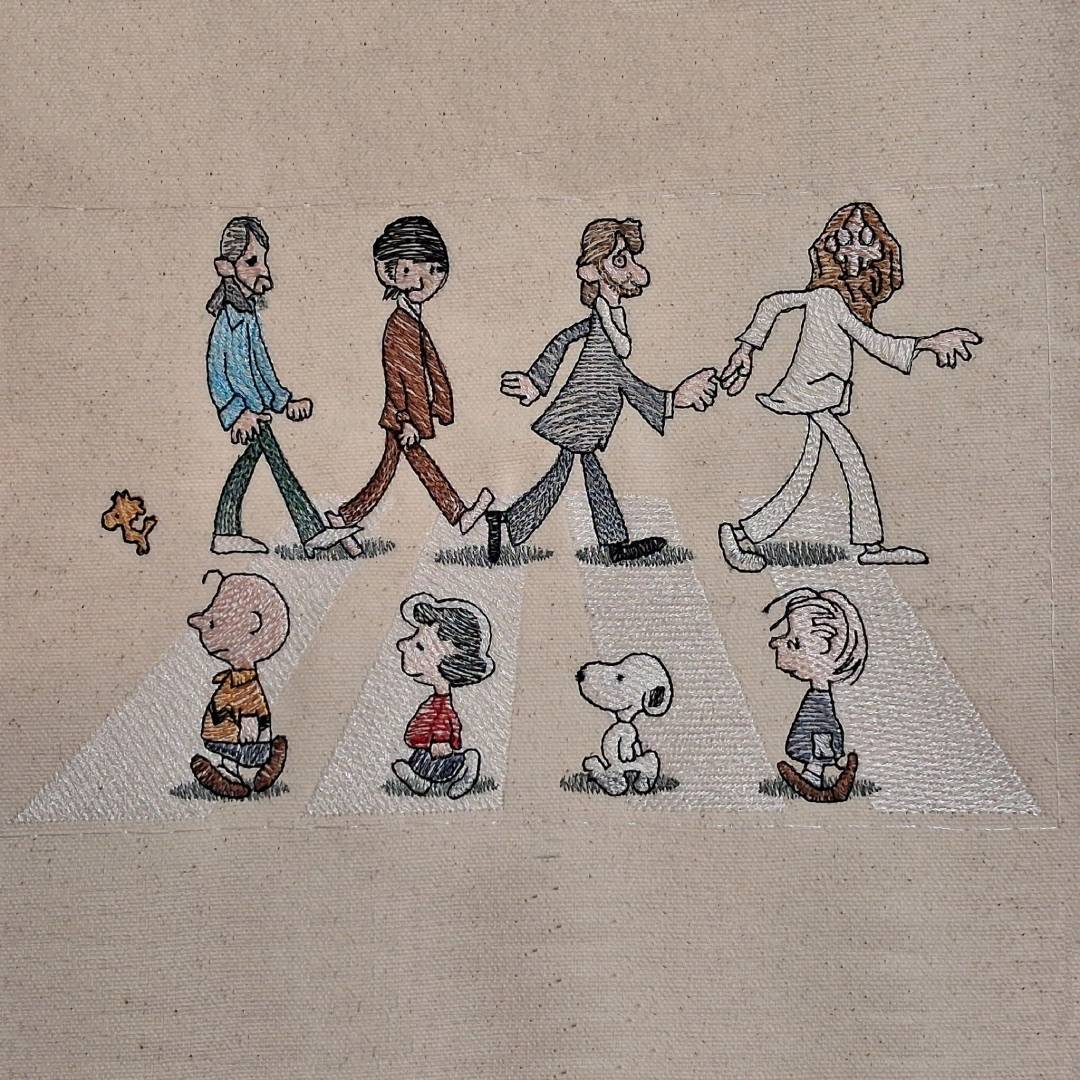
Finally got around to try this one. Stitched out perfectly. Love the design.
Nosey Dog And Friends Crossing Road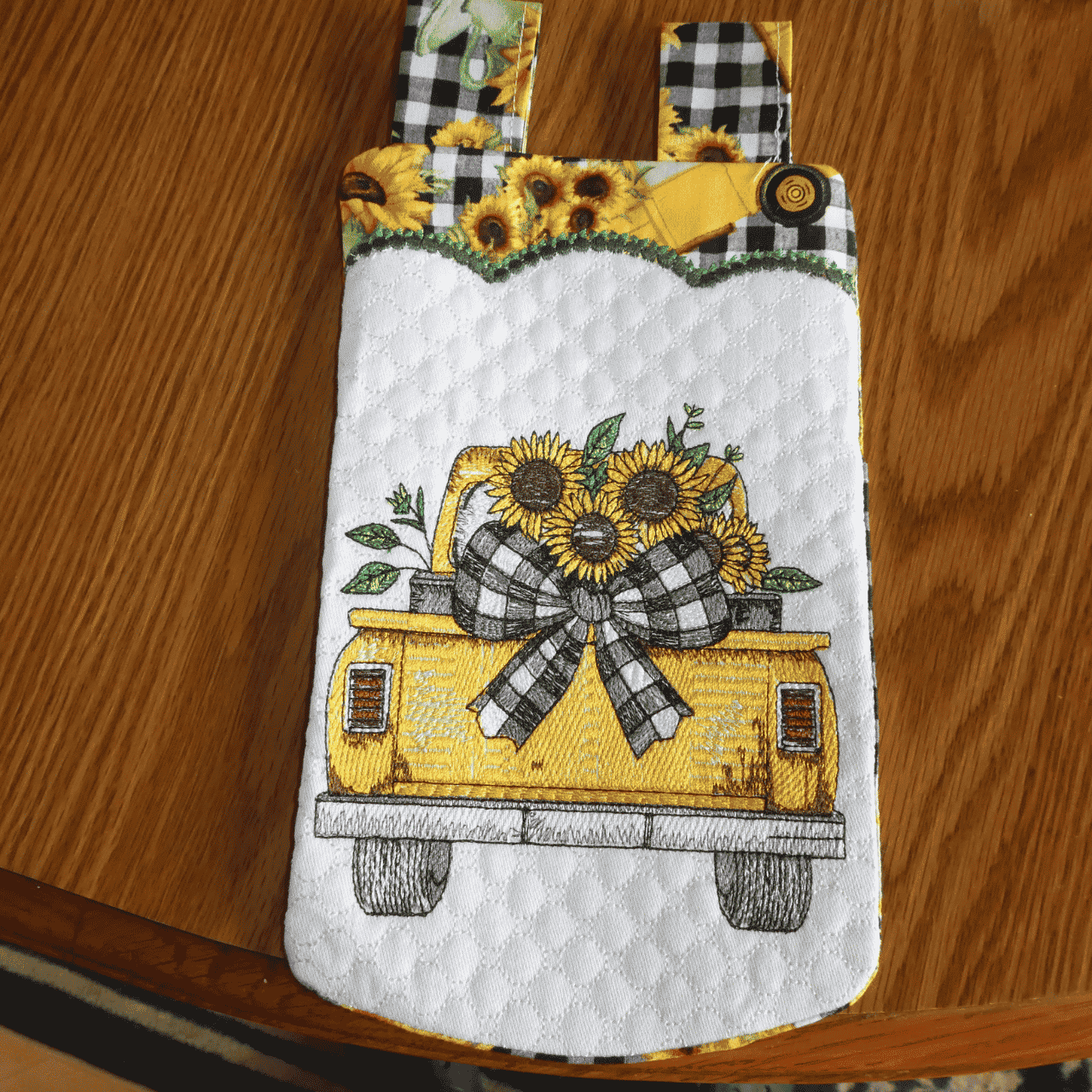
Had fun stitching this out. Love the quality of design. Stitched out perfectly.
Sunflower Retro TruckAwesome! Used this on a gift bag - the gift was a drone so the design was perfect. Stitched out perfectly. A winner.
Sassy Sparkles Donkey Quote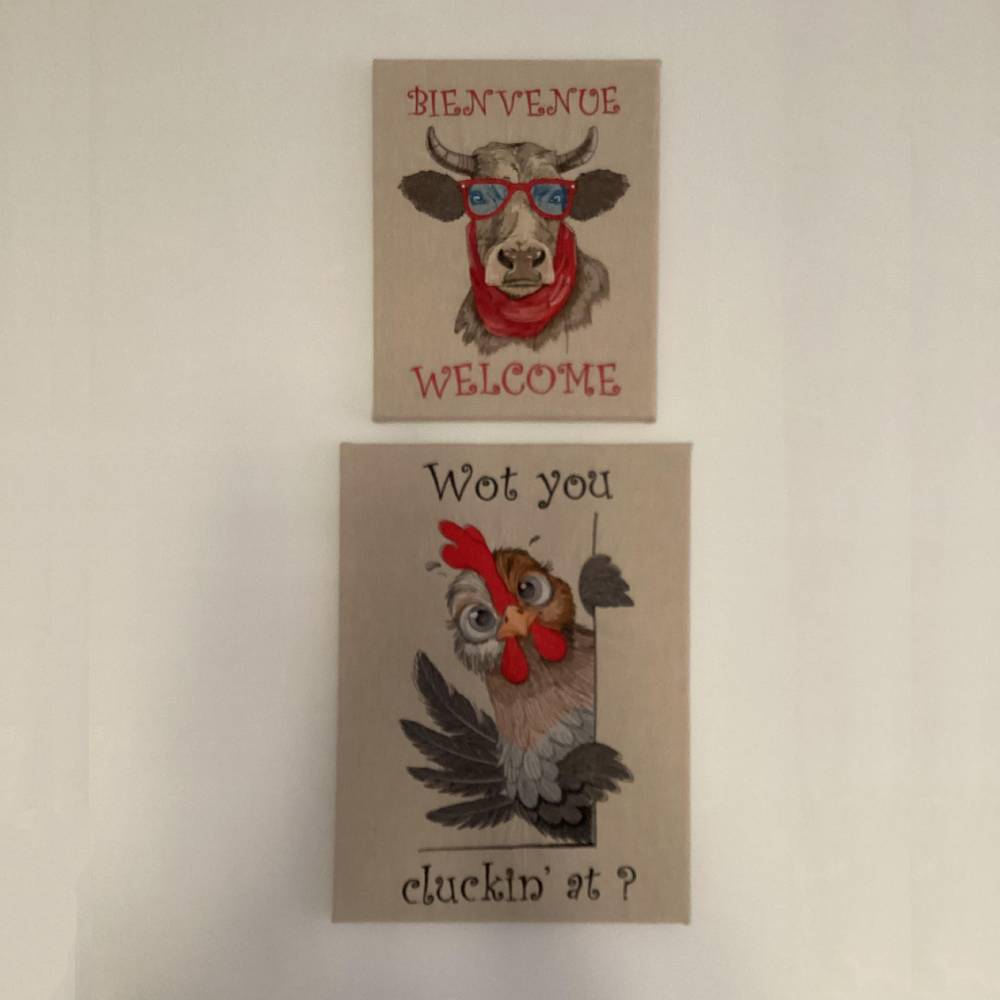
Love this design. We’re renovating at the moment, we wanted something different, I did these for opposite the front door.
Peeking Farm Chicken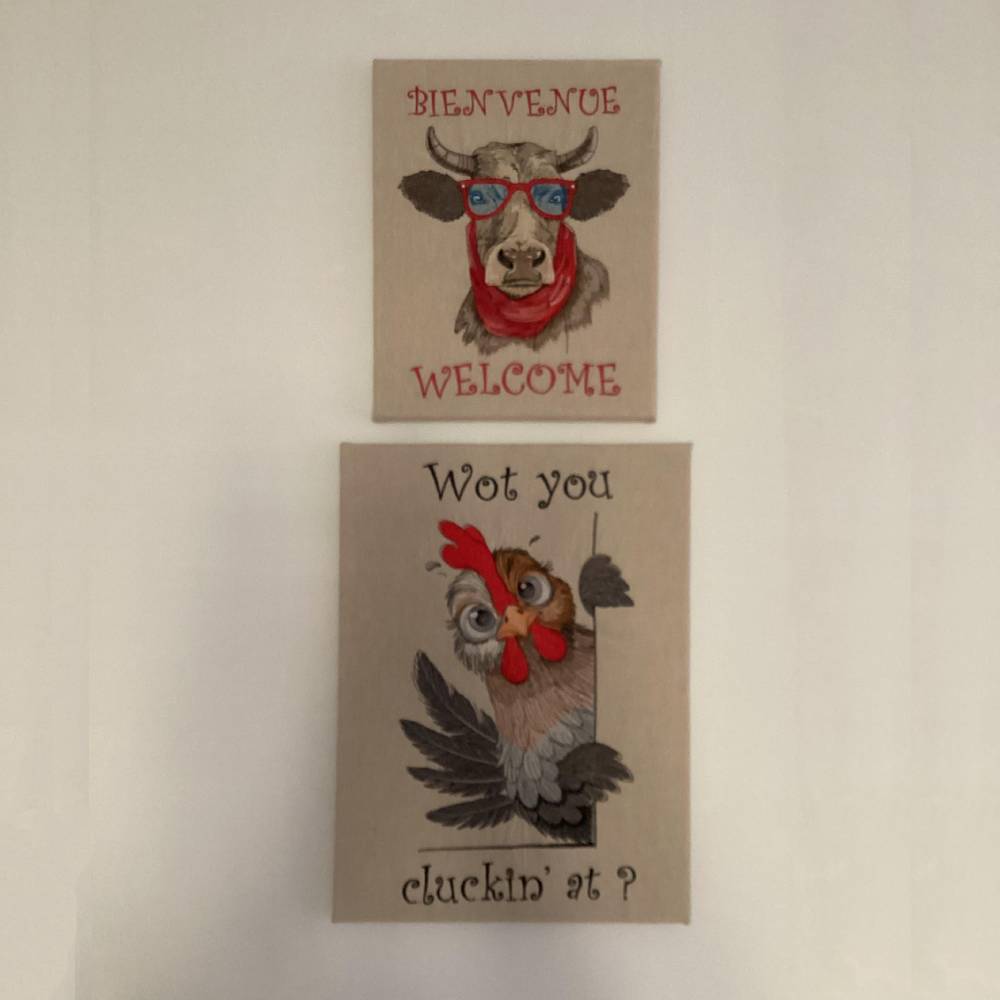
We’re renovating at the moment, we wanted something different, I did these for opposite the front door. Great design.
Funny Cow With Sunglasses
Write a review
Only customers who have purchased this design can leave a review.
Q1: What fabrics work best for the Predator Logo design?
Pro Tip: The Predator Logo looks best on stable fabrics like quilting cotton, linen, denim, canvas, and flannel. These materials provide a great foundation for our versatile designs.
Q2: Can I resize the Predator Logo design?
Quick Note: For the best stitch quality, we suggest you don't resize your Predator Logo design by more than 10%. Too much resizing can affect the stitch density, dear.
Q3: How should I iron my Predator Logo embroidery?
Yes, dear! Always iron your Predator Logo item from the reverse side. A pressing cloth is a good idea to protect those vibrant threads from direct high heat.
Q4: Can I download just a specific file format for my Predator Logo design?
Yes, dear! You can find your Predator Logo in your "Account Downloads" section. Just click "DOWNLOAD FORMAT" next to the design and pick your specific file (like .PES or .JEF) from the menu.
Q5: Can I change the thread colors myself for the Predator Logo?
Absolutely! The color chart for your Predator Logo is a guide, not a rule. Your machine will pause at each color change, letting you swap threads to suit your personal style.