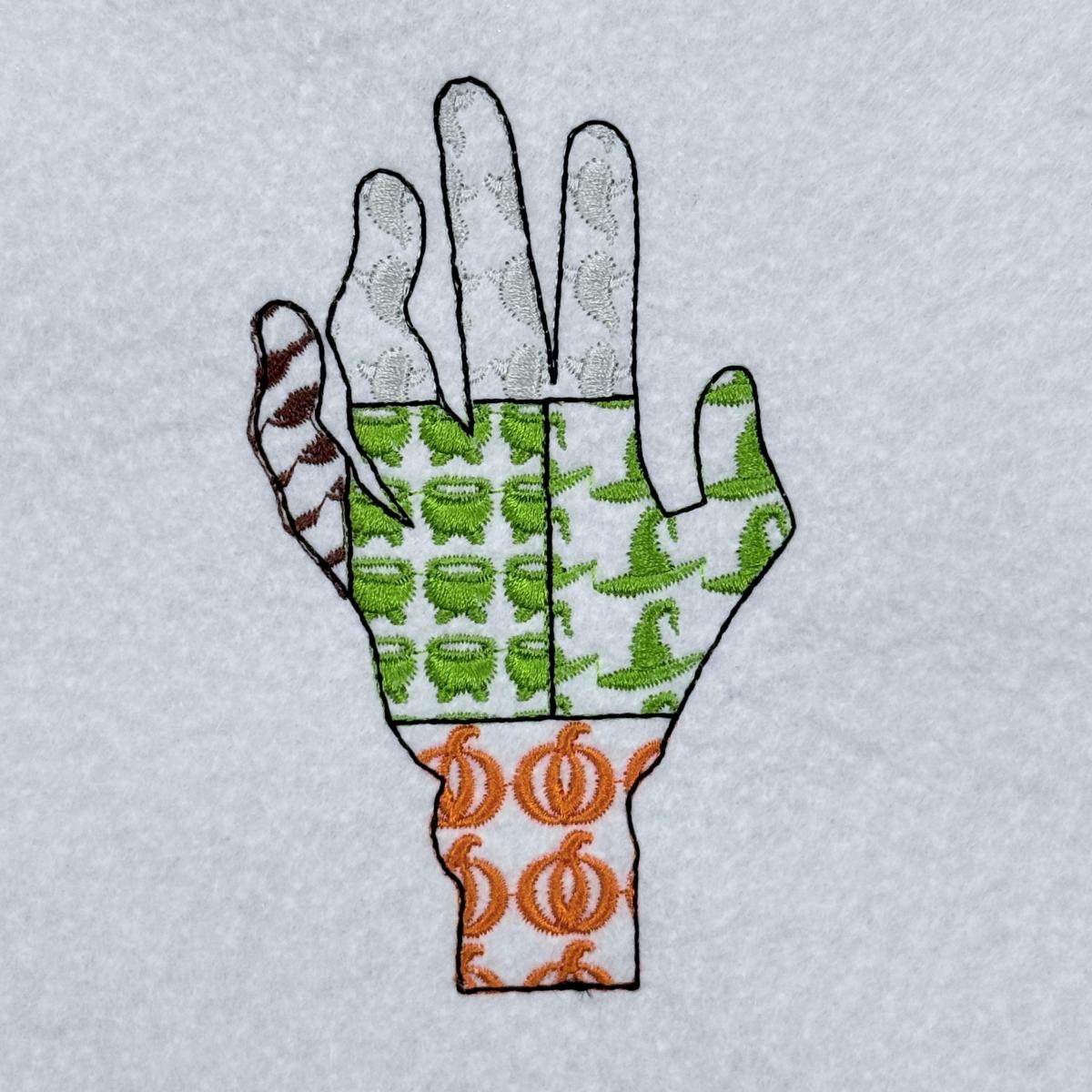
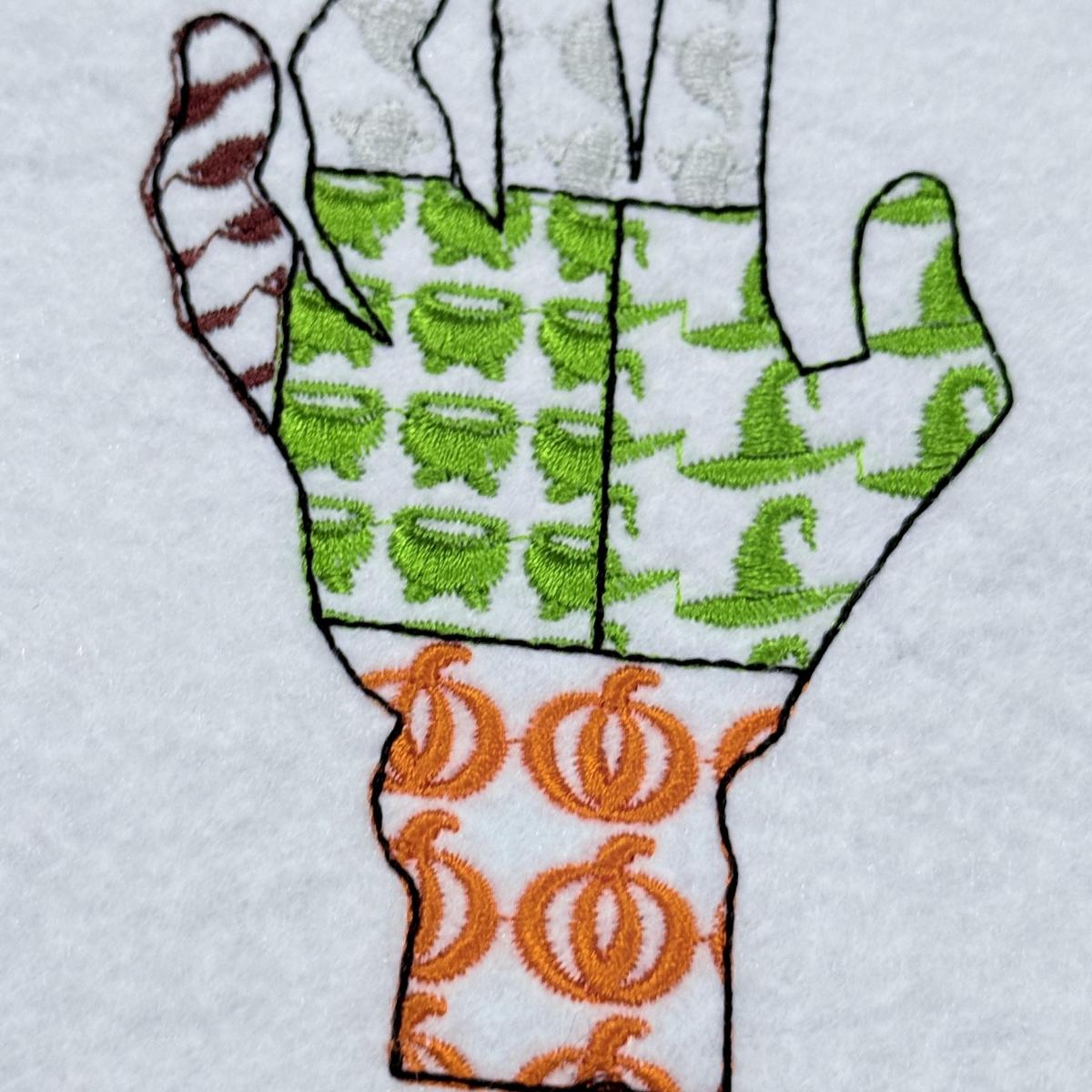
Creepy Witch Hand Patch Work Design
💡 Where it can be embroidered
- Decorative fall throw pillows
- Seasonal kitchen tea towels
- Trick-or-treat tote bags
- Festive holiday table runners
At a Glance
Size & stitch count
| # | Size (in) | Size (mm) | Stitches | Trims |
|---|---|---|---|---|
| 1 | 2.9 × 4.8 | 74 × 122 | 8,387 | 7 |
| 2 | 3.5 × 5.8 | 89 × 147 | 12,245 | 7 |
| 3 | 4.1 × 6.8 | 104 × 173 | 15,729 | 7 |
| 4 | 4.7 × 7.8 | 119 × 198 | 20,058 | 7 |
| 5 | 5.3 × 8.8 | 135 × 224 | 24,515 | 7 |
| 6 | 5.9 × 9.8 | 150 × 249 | 29,731 | 7 |
| 7 | 6.4 × 10.8 | 163 × 274 | 35,689 | 7 |
| 8 | 7.0 × 11.8 | 178 × 300 | 42,537 | 7 |
Unique Colors
Own a different thread? Pick up to 3 brands and the chart will show their codes alongside Madeira Rayon.
Codes marked ≈ have no published equivalent and use the closest colour. Always test a sample before stitching.
Color Change chart
| # | Madeira Rayon | Color | Color Name |
|---|---|---|---|
| 1 | 1259 | Cocoa Brown | |
| 2 | 1182 | Mulberry | |
| 3 | 1092 | Summer Sky Blue Gray | |
| 4 | 1362 | Slate Purple Gray | |
| 5 | 1196 | Medium Camo Green | |
| 6 | 1000 | Emerald Black |
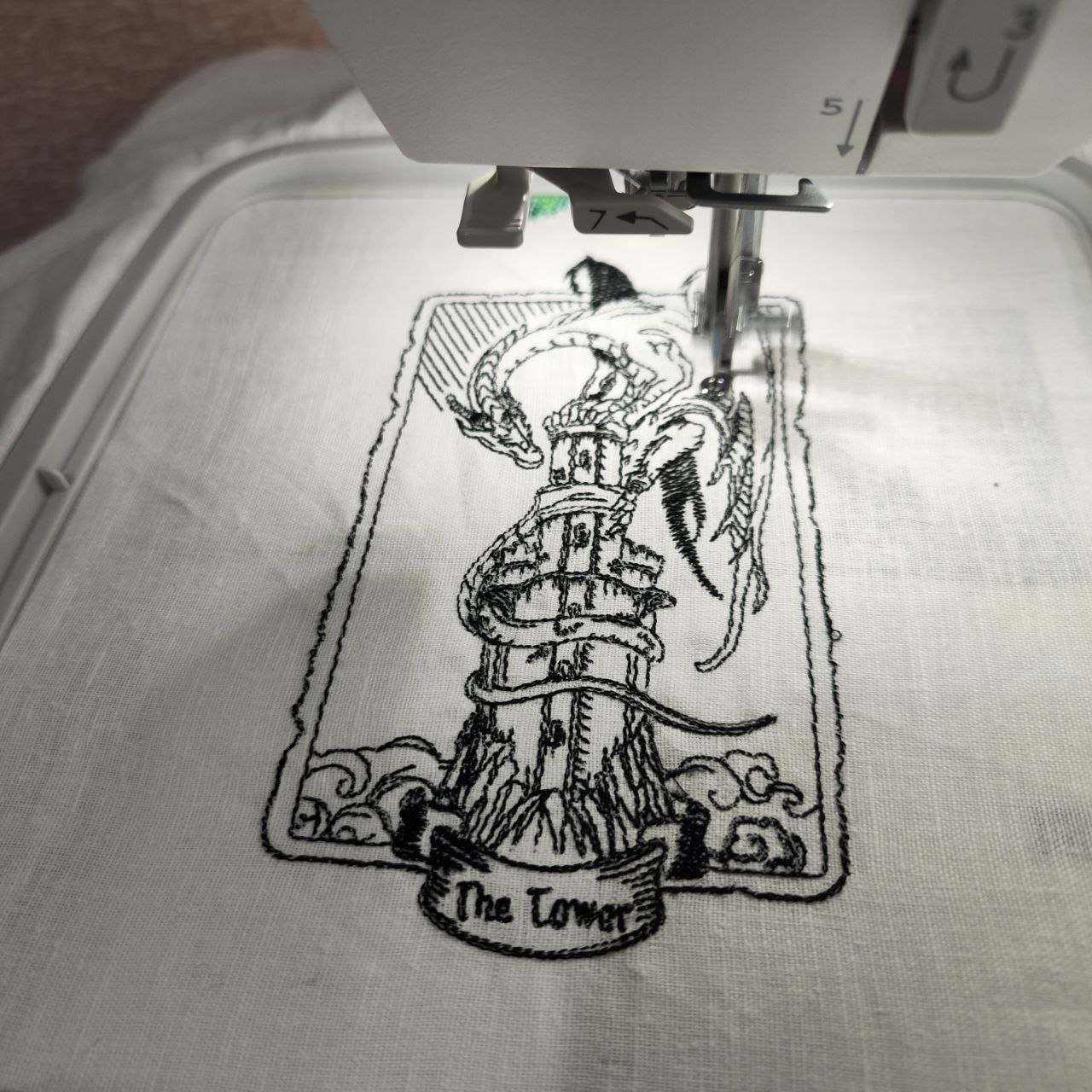
Pleasant simple design. The line work can be improved to avoid at least 2 jumps, on the top under the dragon wing, and in the left down corner…
The Tower Dragon Tarot Card
Write a review
Only customers who have purchased this design can leave a review.
Q1: Does this design require a specific needle?
Usually, a 75/11 or 80/12 universal embroidery needle works perfectly for Spooky Witch Hand Patch Work. If you are working with lighter fabrics, consider swapping to a smaller needle size.
Q2: Is it possible to download all sizes and formats at once?
Yes, dear! Simply go to your order page and click the blue "DOWNLOAD HERE" button to receive the full ZIP folder containing every size and file format for the pattern.
Q3: Can you explain the difference between trims and stops?
Pro Tip: Trims represent the number of times your machine snips the thread between segments, while stops indicate the number of times you must pause the machine to change thread colors.
Q4: Where can I find the official color chart for Spooky Witch Hand Patch Work?
You can grab it three ways: inside your downloaded ZIP file as a PDF, via the link on this design page, or by selecting PDF from the format dropdown menu in your account.
Q5: How do I download just one specific file format?
Quick Note: In your account download area, select the design and click the "DOWNLOAD FORMAT" button, then choose the specific format your machine requires from the menu.